1
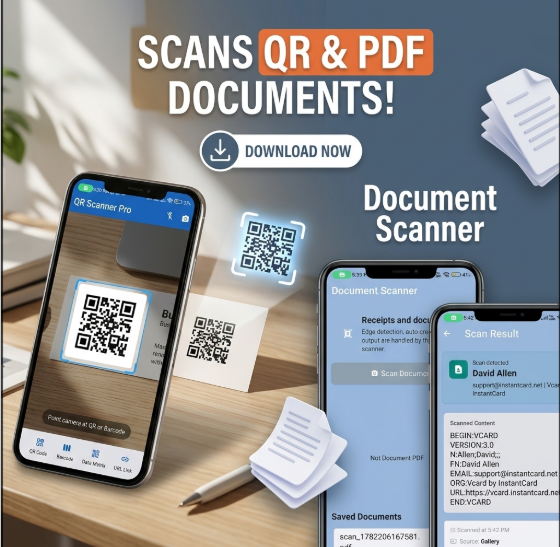
Sub-0.3s Live Camera Scanning
Step 1: Launch the app to open the full-screen viewfinder.
Step 2: Point your camera at any 1D or 2D code. The autofocus engine locks automatically.
Step 3: Review the instant decoded result card: 1-tap WiFi connect, browser navigation, or retail price lookup.
2
Gallery Screenshot Decoding
Step 1: Tap the Gallery icon in the bottom menu bar.
Step 2: Select any saved screenshot or photo received via messaging apps.
Step 3: The algorithm scans the photo buffer in device memory, isolating and decoding multiple codes simultaneously.
3
Smart Document-to-PDF Digitizer
Step 1: Switch to Document mode and place your contract or receipt on a contrasting surface.
Step 2: Neural Canny edge detectors snap to paper corners automatically.
Step 3: Apply text-contrast filters, arrange multiple pages, and export an ISO 32000 compliant PDF file.
4
Custom QR Code Studio with Shapes
Step 1: Choose content type (URL, WiFi, vCard contact, SMS, text).
Step 2: Select body dot shapes (squircle, dots, classy) and custom eye frames (square, rounded, circle, leaf).
Step 3: Upload your logo. The engine auto-applies Error Correction Level H and outputs vector SVG or high-res PNG.
5
Bulk Barcode Studio & Avery Label Sheets
Step 1: Paste multiple SKU codes or upload an inventory CSV file in the Barcode Studio.
Step 2: Select your symbology (Code 128, EAN-13, UPC-A) and choose Avery 5160 / 5163 label presets.
Step 3: Batch-generate verified barcodes, print sticker sheets directly, or download all codes packaged in a single ZIP file.